
20% off
Award-Winning
Hahnemühle Bamboo Gloss Baryta 305gsm
A high gloss paper for rich contrast and deep blacks.
Luxuriously soft and lightly textured
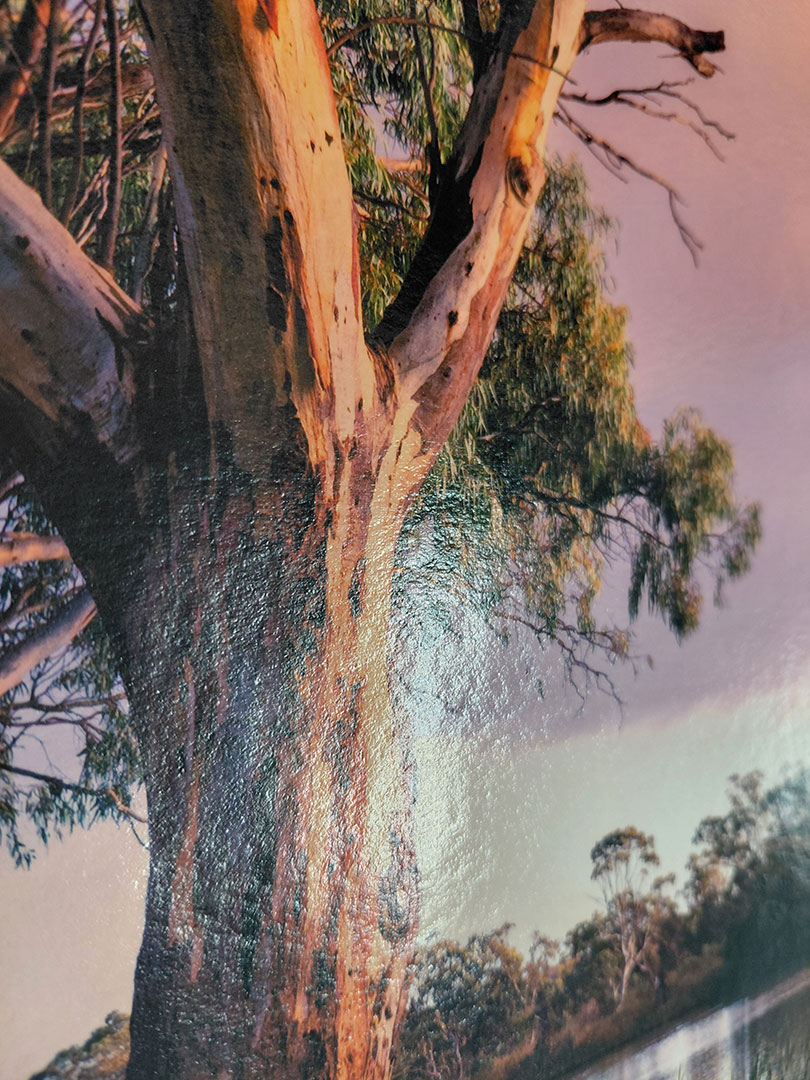
Besides boasting environmental sustainability with high-quality printing capabilities, this paper has been awarded the Best Photo Paper in 2024 by TIPA. Hahnemühle Bamboo Gloss Baryta is the world’s first Fine Art inkjet paper crafted from 90% bamboo fibres with a premium high-gloss Baryta inkjet coating. Combined with its lightly textured surface, Hahnemühle Bamboo Gloss Baryta offers a natural-looking aesthetic with the look and feel of an analogue Baryta paper. The high-gloss premium inkjet coating delivers outstanding print results with defined reproduction of colour and details, deep blacks, and striking contrasts. This is an eco-friendly, high quality paper that will certainly bring out the best in your image.
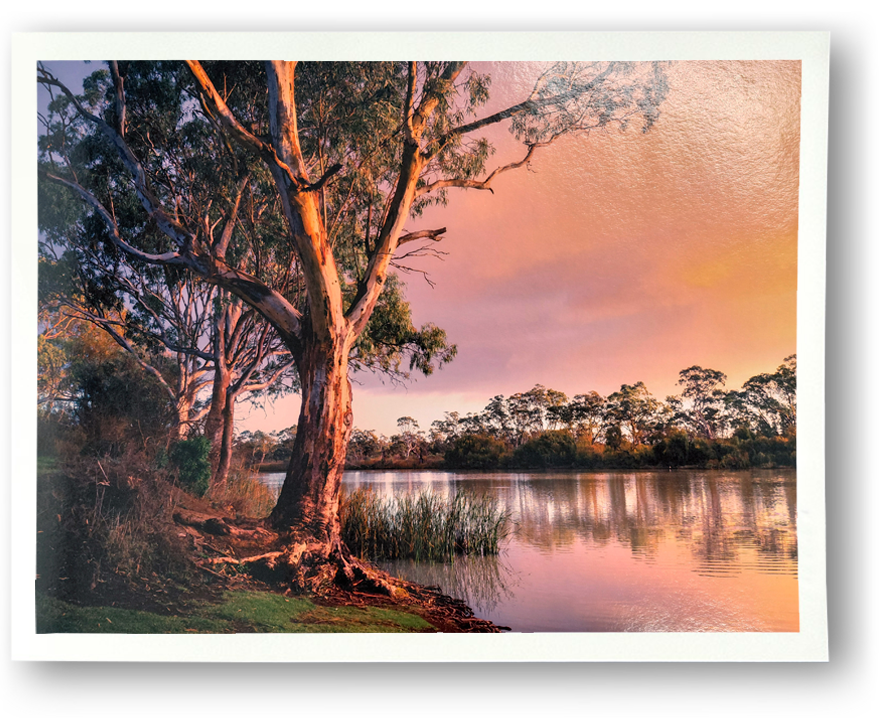
A warm, refined feel to fine art prints
The addition of Barium Sulphate in the coating enhances the print’s tonal range, sharpness, and clarity. Hahnemühle Bamboo Gloss Baryta is acid and lignin-free and meets the highest standards for age-resistance.
This makes it a great choice for fine art prints, portfolios, and gallery exhibitions.

TIPA (Technical Image Press Association) was founded in 1991 and is composed of many member publications in the photo/imaging field published in print and online. It plays an important role in the print industry.
Every type of Hahnemühle paper uses energy-saving technologies to establish an environmentally friendly production process. Since 2008 they have run their ‘Green Rooster’ programme supporting environmental protection as well as social and civic projects.

FREE SHIPPING
Includes insurance & tracking for orders $99 or more.
100% DAMAGE FREE GUARANTEE
Prints replaced if delivered damaged.
3 days production time.
Please read our FAQs below. Any other questions please email us. Once your order is placed we are not able to make changes.
*What is a print ready file?
The file has been colour and density corrected for print. It is in proportion and has sufficient resolution for the size ordered.
Please note
We trim to the size you select. If you require a border around your image please add this to your artwork file and ensure it sits inside your print size. Or, alternatively, we can add additional paper around your print – click the ‘Add Extra Paper…’ button, or find out more here.
FREE SHIPPING
Free for orders of $99 or more (includes Insurance and Tracking). $16.95 for orders less than $99.
EXPRESS DELIVERY
Any Australian address for $23.95 (includes Insurance and Tracking).
100% DAMAGE FREE GUARANTEE
We will gladly replace your prints if they are delivered damaged.
DROPSHIP TO YOUR CUSTOMERS
Ship to your customers without our branding. You receive tracking details. Nominate in checkout.
This exceptional paper comes with a lot of features
AWARDS
TIPA World Awards 2024 – Best Photo Paper
QUALITY
Museum Quality (ISO 9706) for Maximum Longevity
IDEAL FOR
Depth andTonal Range, Sharpness, Clarity
PRINTING
Gloss Premium Inkjet Coating with High Gloss Sheen
INKS
Pigment and Dye Inkjet Systems
Material
90% Bamboo, 10% Cotton
PAPER FINISH
High Gloss
TEXTURE
Lightly Textured
WHITENESS
Natural White, No Brighteners
WEIGHT
305 gsm
Check our video guides for help with your file
Printing your art with PosterFactory is easy
It takes just 2 minutes to order your prints at PosterFactory. Simply choose your size, upload your image from your phone or computer and checkout. That’s it!
Fast & Affordable
With over 30 yrs printmaking experience behind us we have the know-how to produce quality prints quickly and at affordable prices.
Unbeatable Quality
Your images will look great on your wall using our carefully selected Fine Art art and Wall Art paper.
We are consistently rated 5 stars on Google
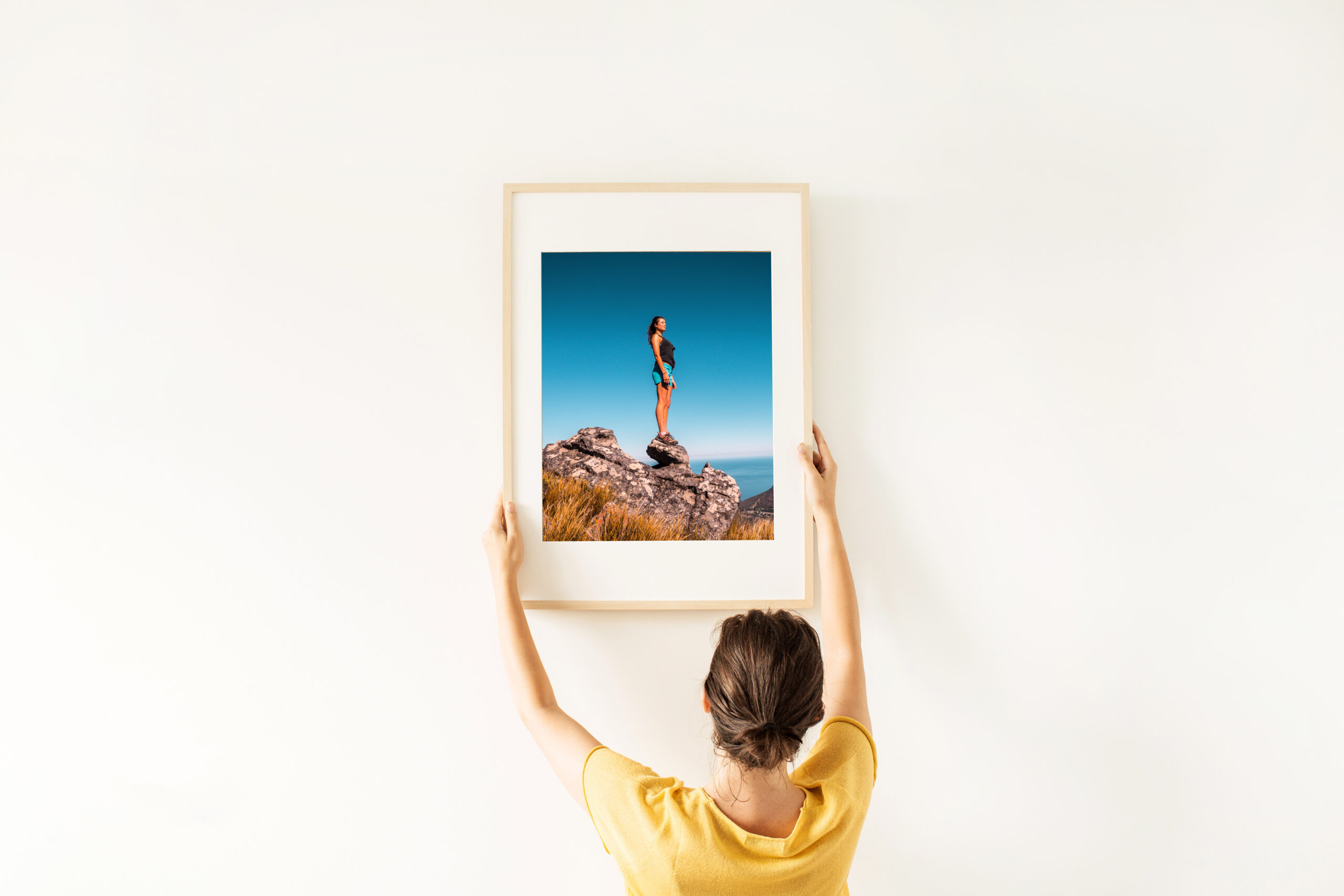
How to frame your art
Both the colour and shape of a frame are distinctive features that will enhance and complement your art. Spend the time to find the right one and there are inexpensive solutions.
What is the image focal point?
Full-bleed framing (the image sits edge to edge) is great for any print with a lot of negative (or empty) space. Adding an extra border (or Matt) around your photo can draw the eye towards the centre. The width of the border can be determined by balancing the space between the frame and image.
What’s the decor style of the room?
Choose from Rustic to Modern frame shapes and style to compliment the image and room and match the colour with one in your image or with your decor.